Audit Log
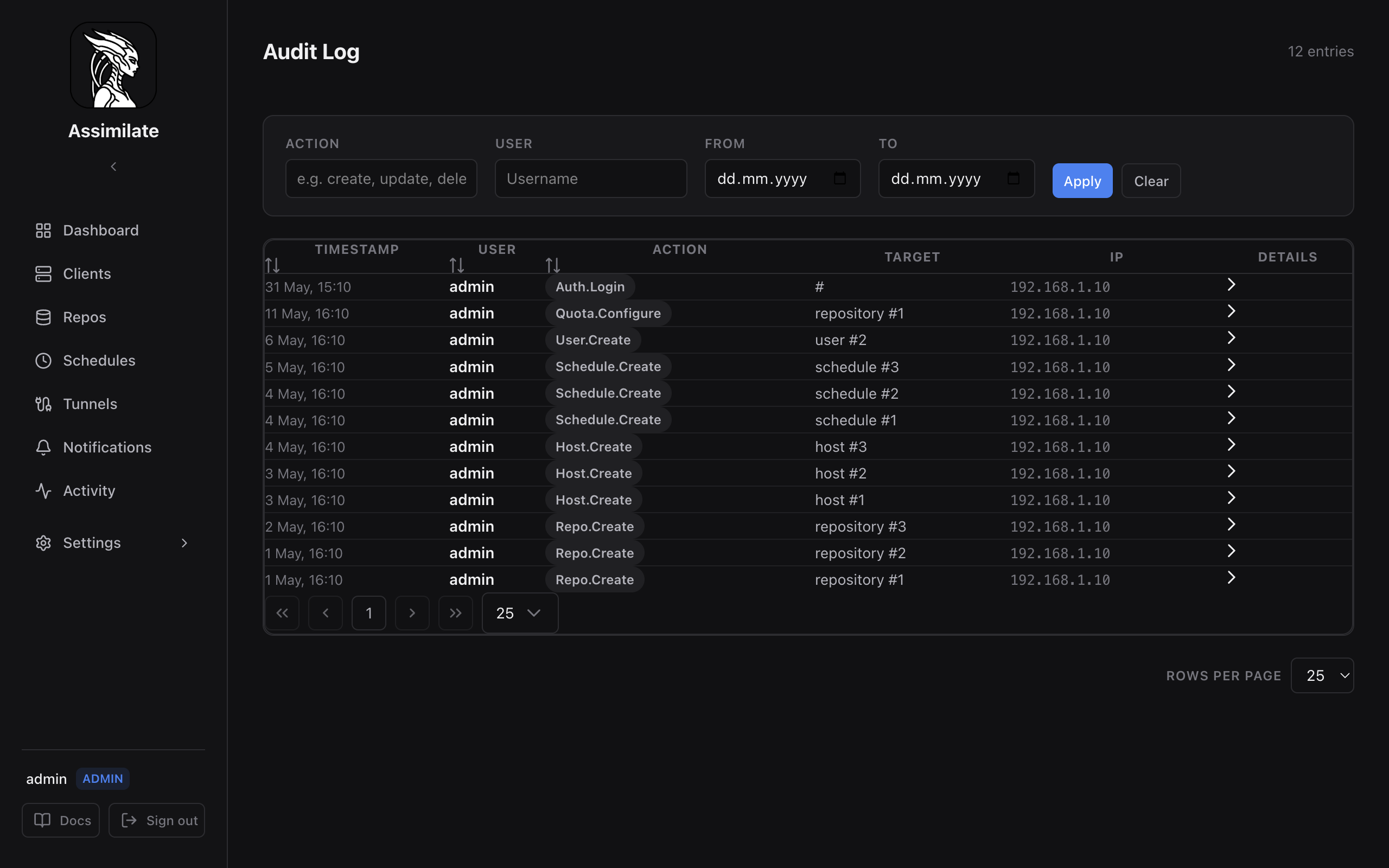
The audit log records every state-changing action performed through the Assimilate web UI or REST API. Use it to trace who made a change, when, and from which IP address.
Accessing the Audit Log
Navigate to Settings → Access Control → Audit Log. The log is available to users with the admin role only.
Log Entries
Each entry includes:
| Field | Description |
|---|---|
| Timestamp | UTC time the action was recorded |
| User | Username that performed the action (or system for scheduler-triggered actions) |
| IP Address | Source IP of the request |
| Action | What was done (see Recorded Actions) |
| Resource | Type and identifier of the affected resource (e.g. archive:3, repo:7) |
| Details | The action's own details, when it records any; expand a row to see them |
Recorded Actions
Each action records a fixed set of details:
| Action | Details |
|---|---|
delete_archive |
archive: the deleted archive |
download_files |
archive and the downloaded paths inside it |
restore_files |
archive, the restored paths, the target_path on the agent and its hostname |
key_export |
none |
key_import |
none |
key_change_passphrase |
none |
migrate_encryption |
the encryption mode it had (from), the one it has now (to), and where the original repository was preserved (migrated_path) |
Filtering
Use the filter bar at the top of the page to narrow results by:
- Date range — start and end date/time
- User — filter to a specific username
- Action — show only one action, e.g.
delete_archive - Resource — enter a resource type or identifier
Filters are combined with AND logic.
Retention
Audit log entries are retained for 90 days by default. Configure the retention period in Settings → Audit Log. Entries older than the retention period are deleted on a nightly cleanup job.
Warning
Reducing the retention period permanently deletes older entries. This action is irreversible.
Exporting
Click Export CSV to download a filtered view of the audit log as a CSV file. The export respects the currently active filters.
Related Pages
- Access Control — roles and permissions
- Security — authentication and session management
- Profile & Preferences — per-user session and token management